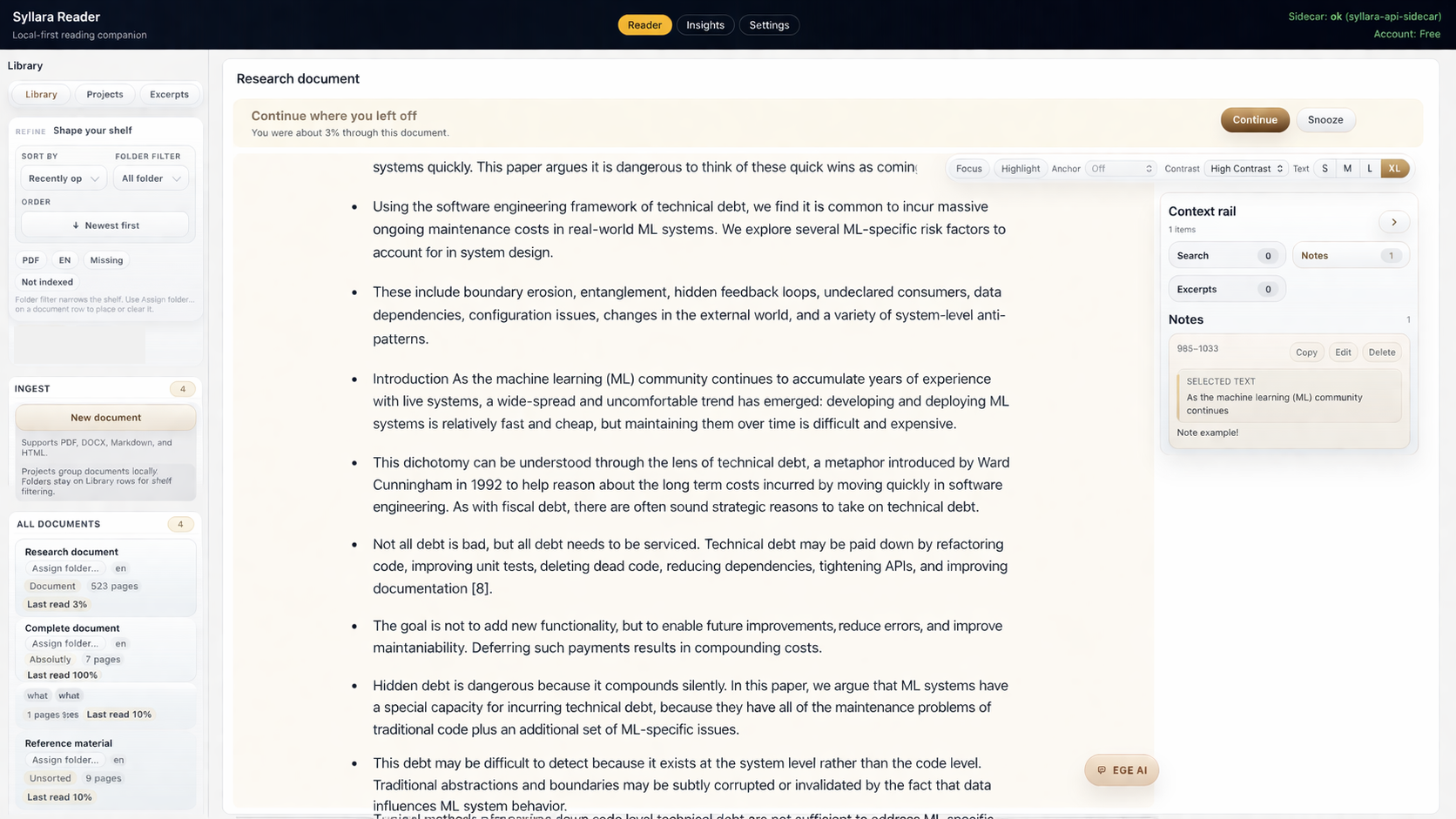
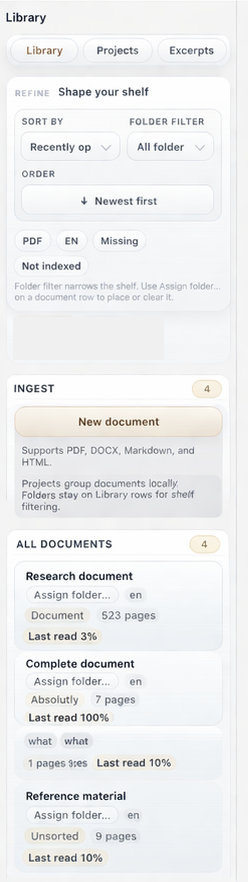
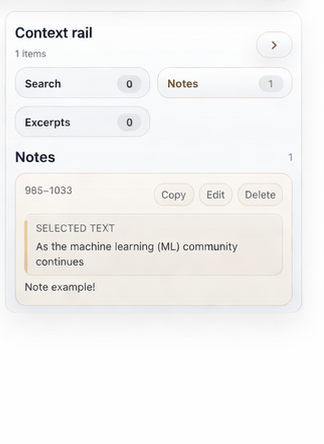
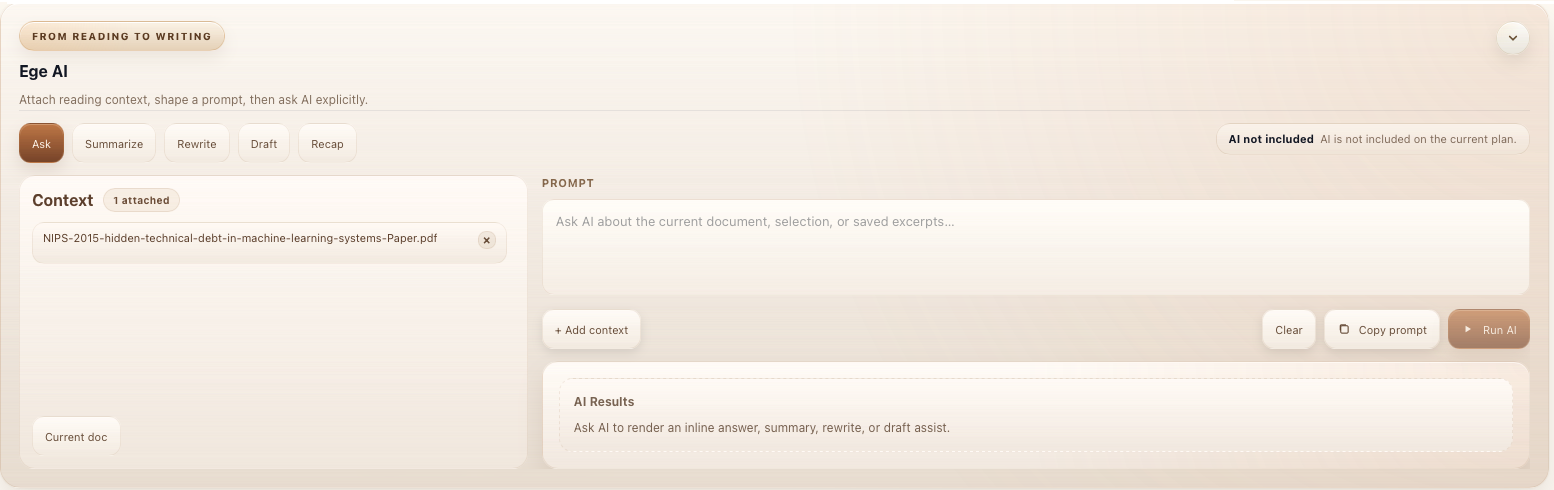
Reader is a local-first personal reading workspace
Syllara Reader is designed for people who spend real time inside long documents, research-heavy material, and dense documentation. It keeps reading comfort, private notes, and document understanding in one calm place, with optional AI reading assistance when you ask for it.
Reader is the first public Syllara product because it solves the most immediate problem first: understanding dense material without losing clarity, progress, or momentum. Optional AI reading assistance stays available when you choose it.
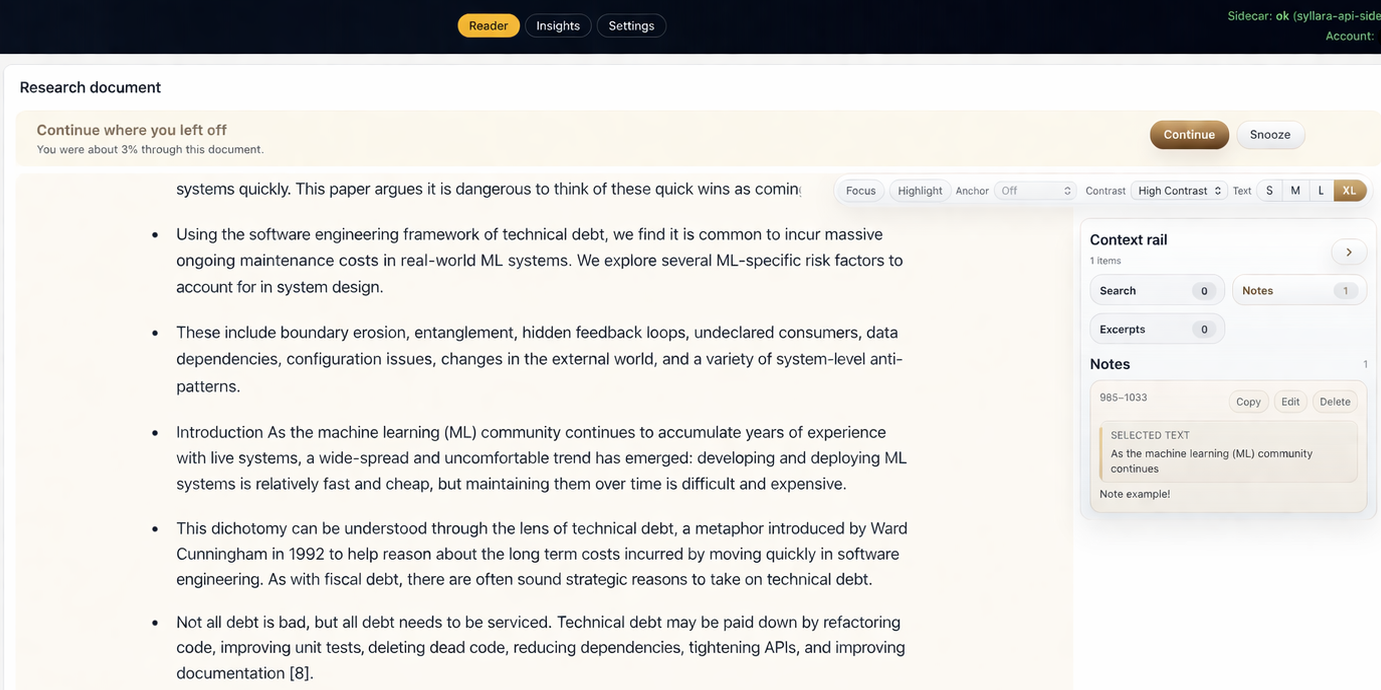
Continue reading
What Reader helps with
What Reader helps with
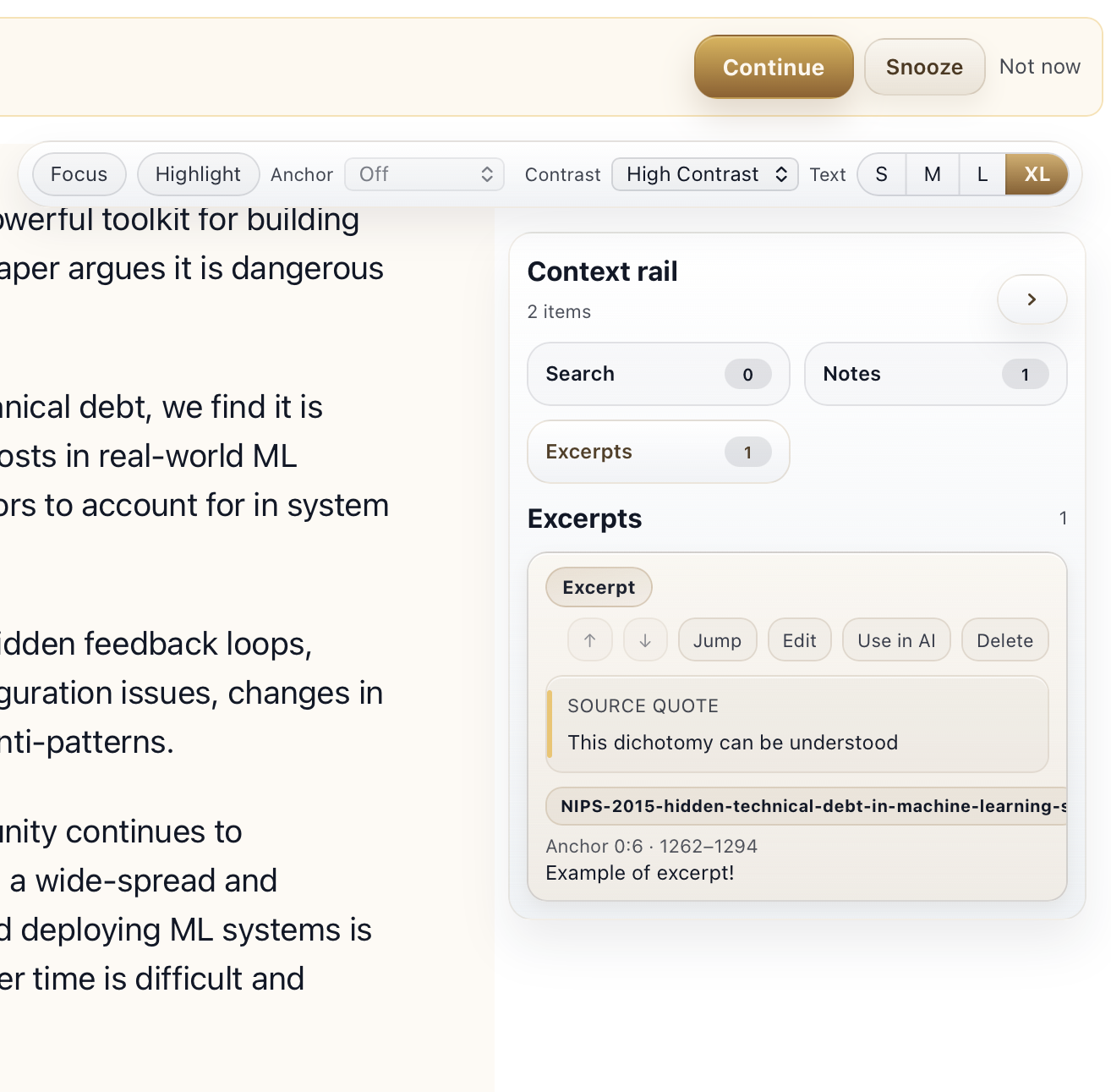
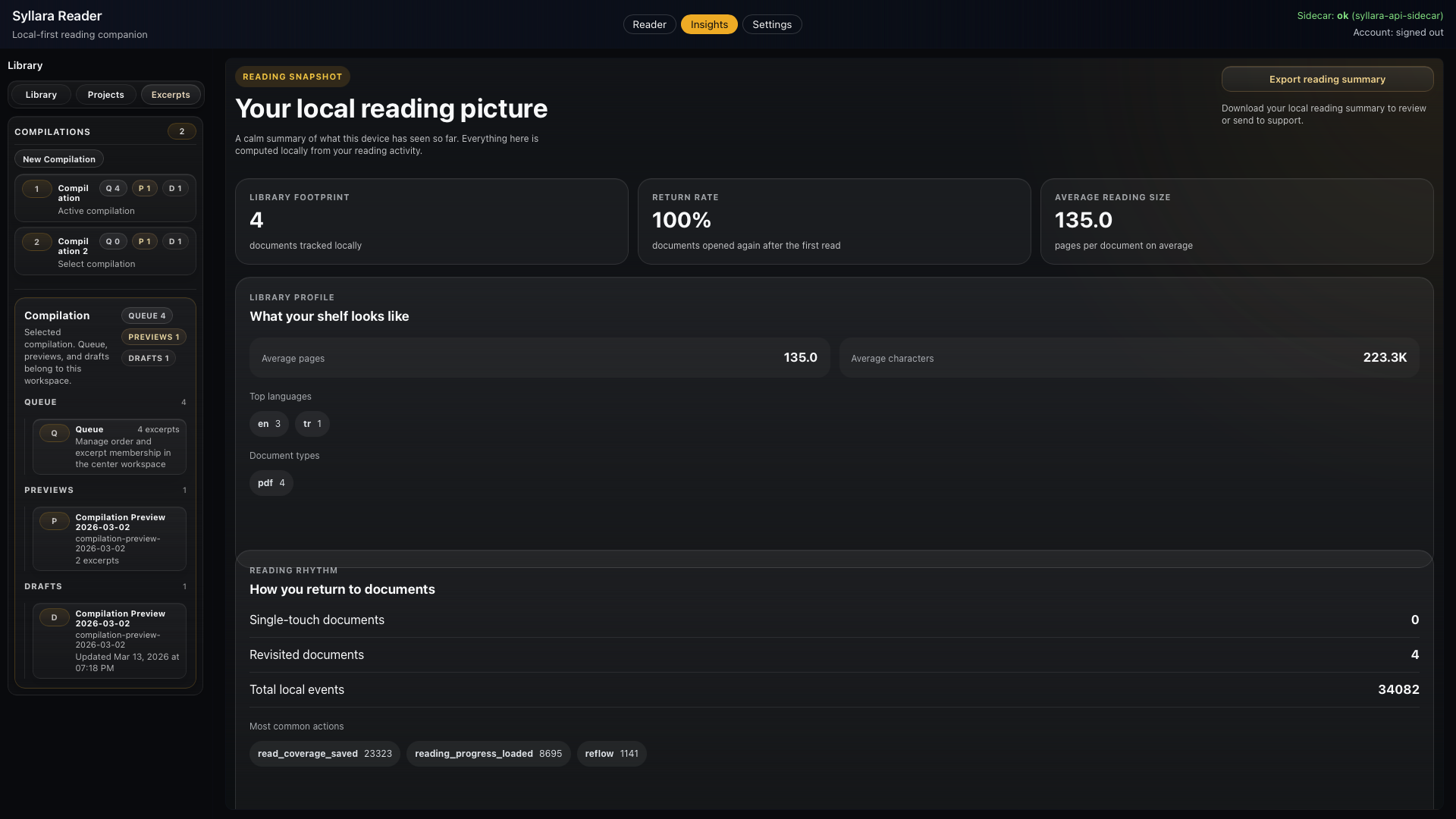
Reader helps people stay oriented in difficult material, keep private notes and key points connected to the source, and use optional AI reading assistance when they want help understanding a passage.
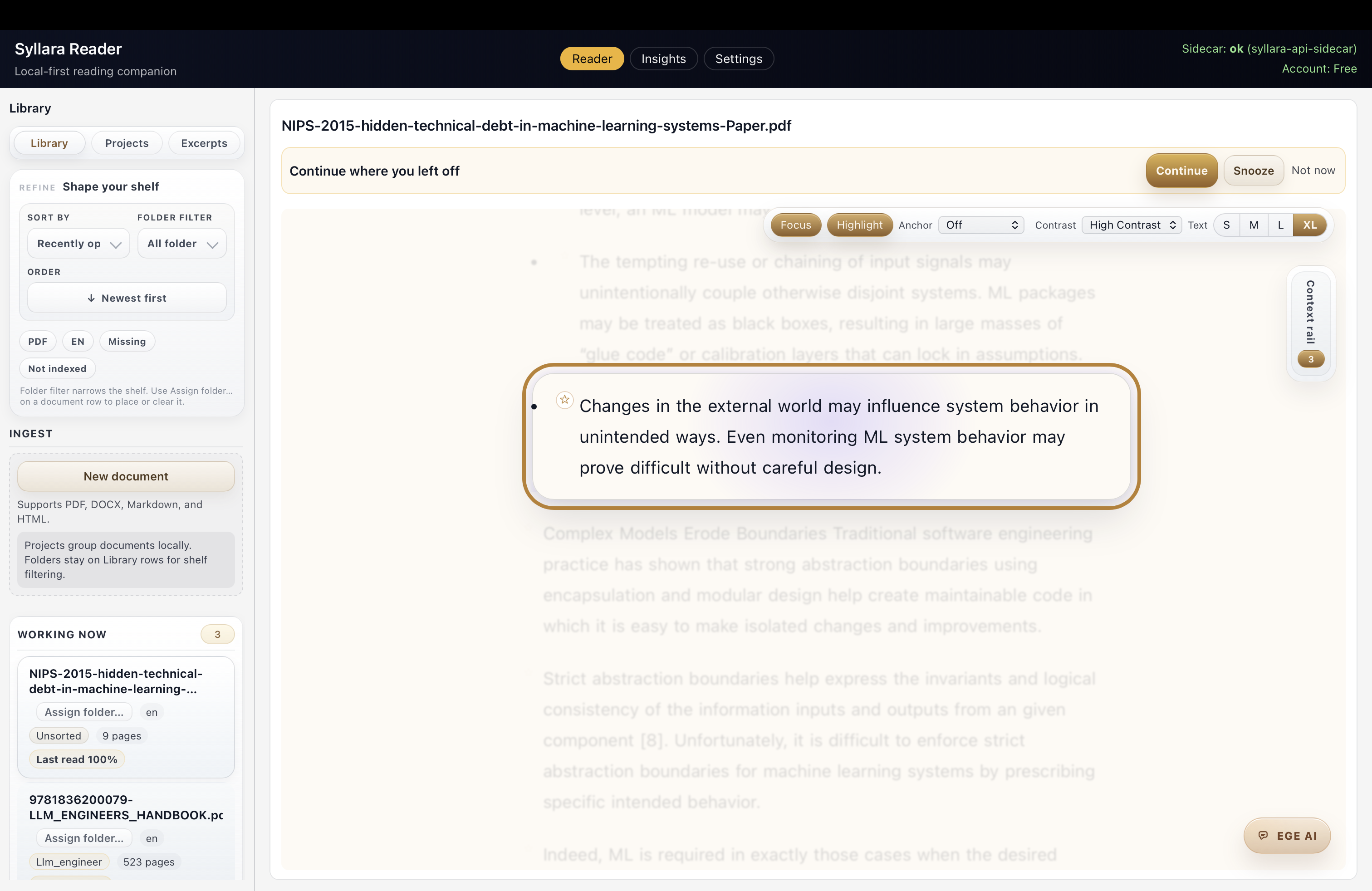
Main reading viewA calm workspace for difficult reading.
Reader is the first public Syllara product because it keeps the reading surface clear, keeps private notes and source context easy to follow, and helps turn careful reading into useful next steps.
Structured reading
A serious reading workflow should support orientation, progress, and recall without clutter or constant tool-switching.
Private notes
Long reports, research packets, technical documentation, and source-heavy material all benefit from a quieter workspace and notes that stay close.
01Reading comfortKeep reading comfortable.
Dense material is easier to work through when the page stays calm and the next useful step stays visible.
02SourceKeep private notes and passages tied to the source.
Important passages, notes, and key points stay attached to the material instead of drifting into a disconnected workspace.
03Next stepLeave with notes you can return to.
A good reading workspace should leave you with notes and context you can return to without rebuilding everything.
01Continue
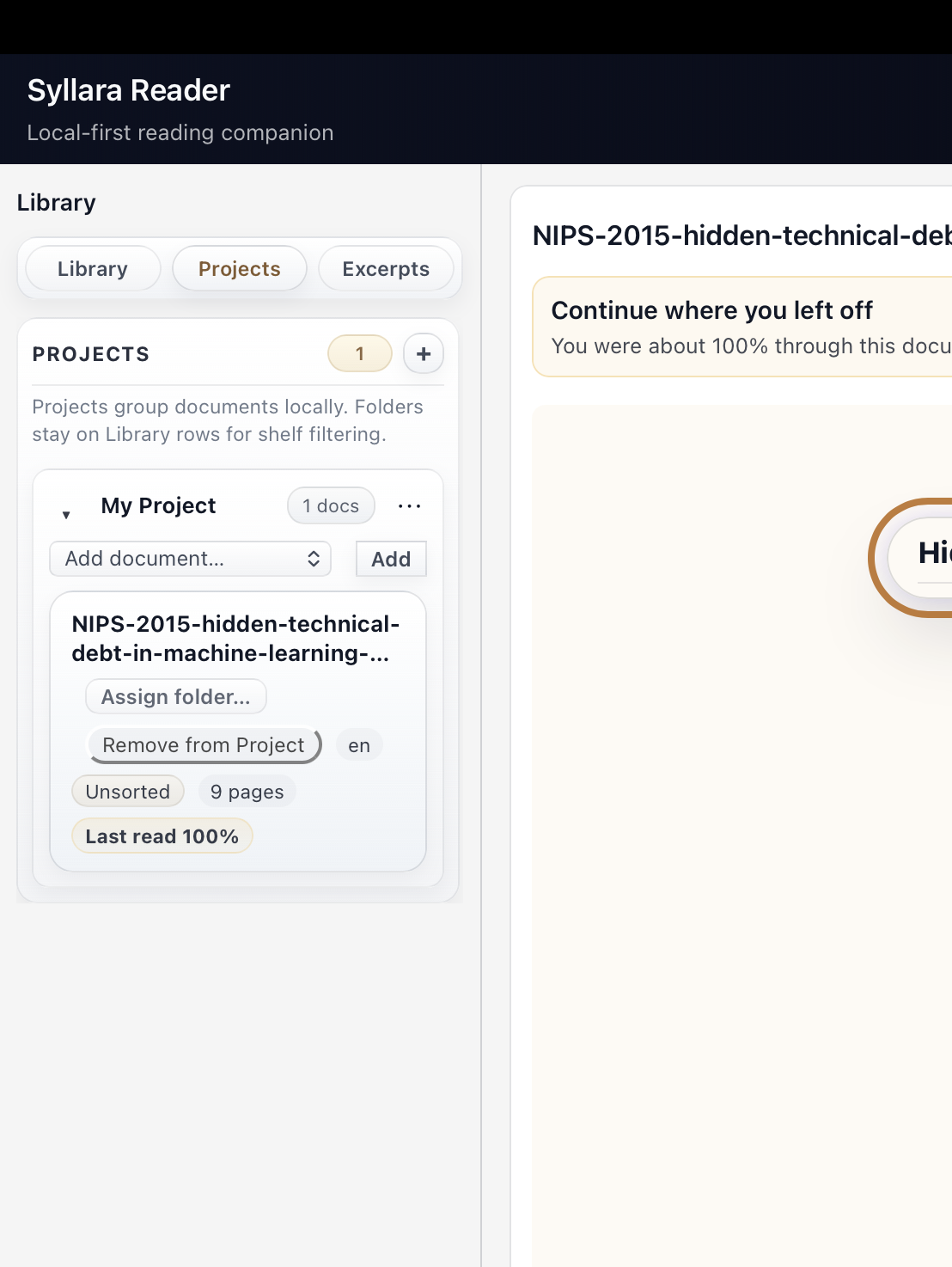
Return without losing your place.
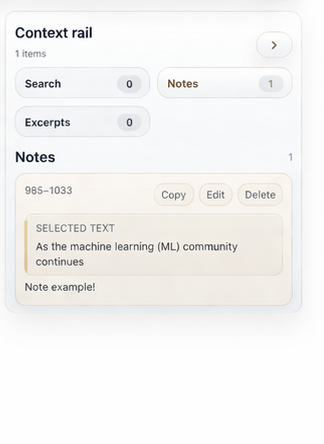
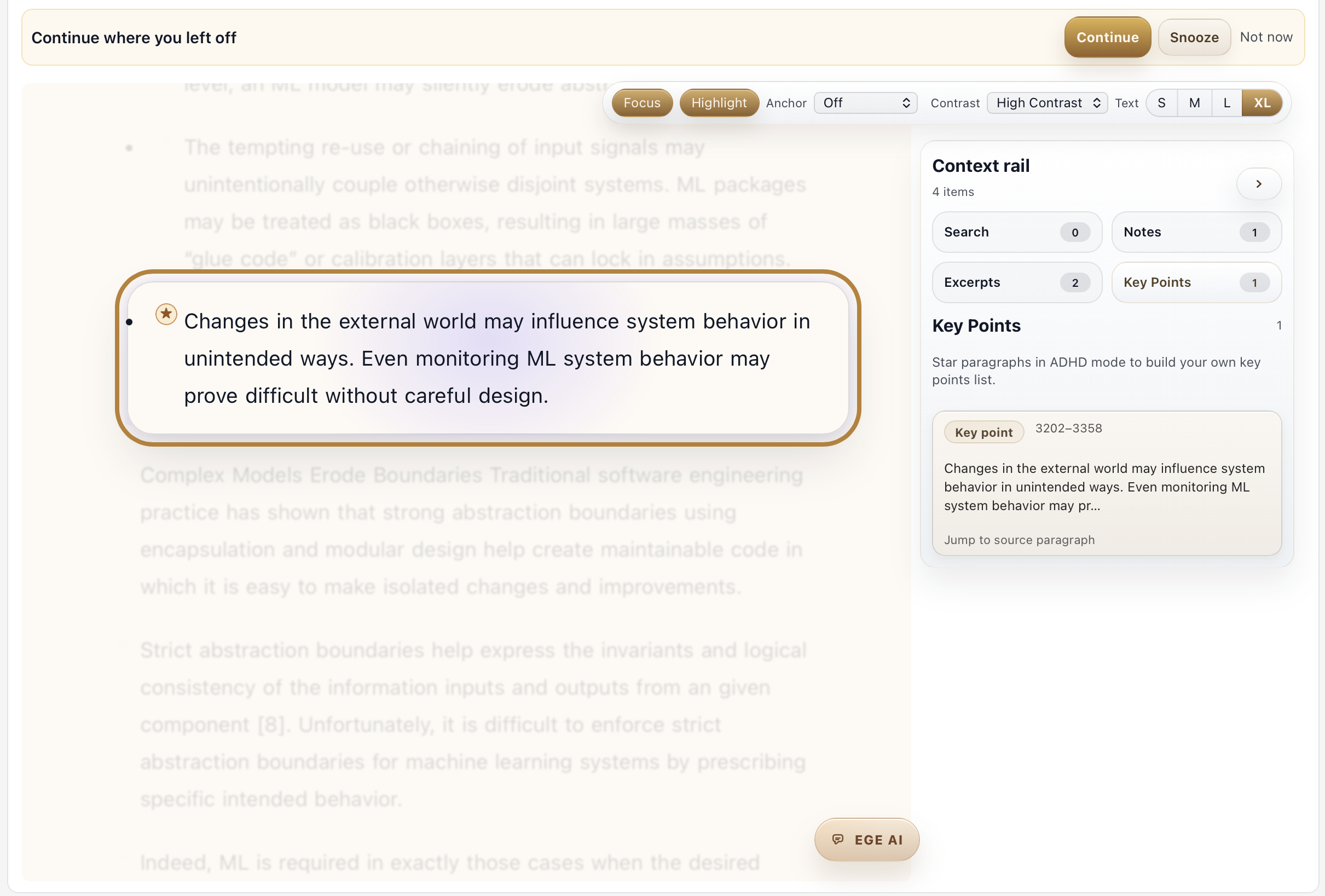
02Evidence
Keep private notes and key points tied to the source.
03Organize
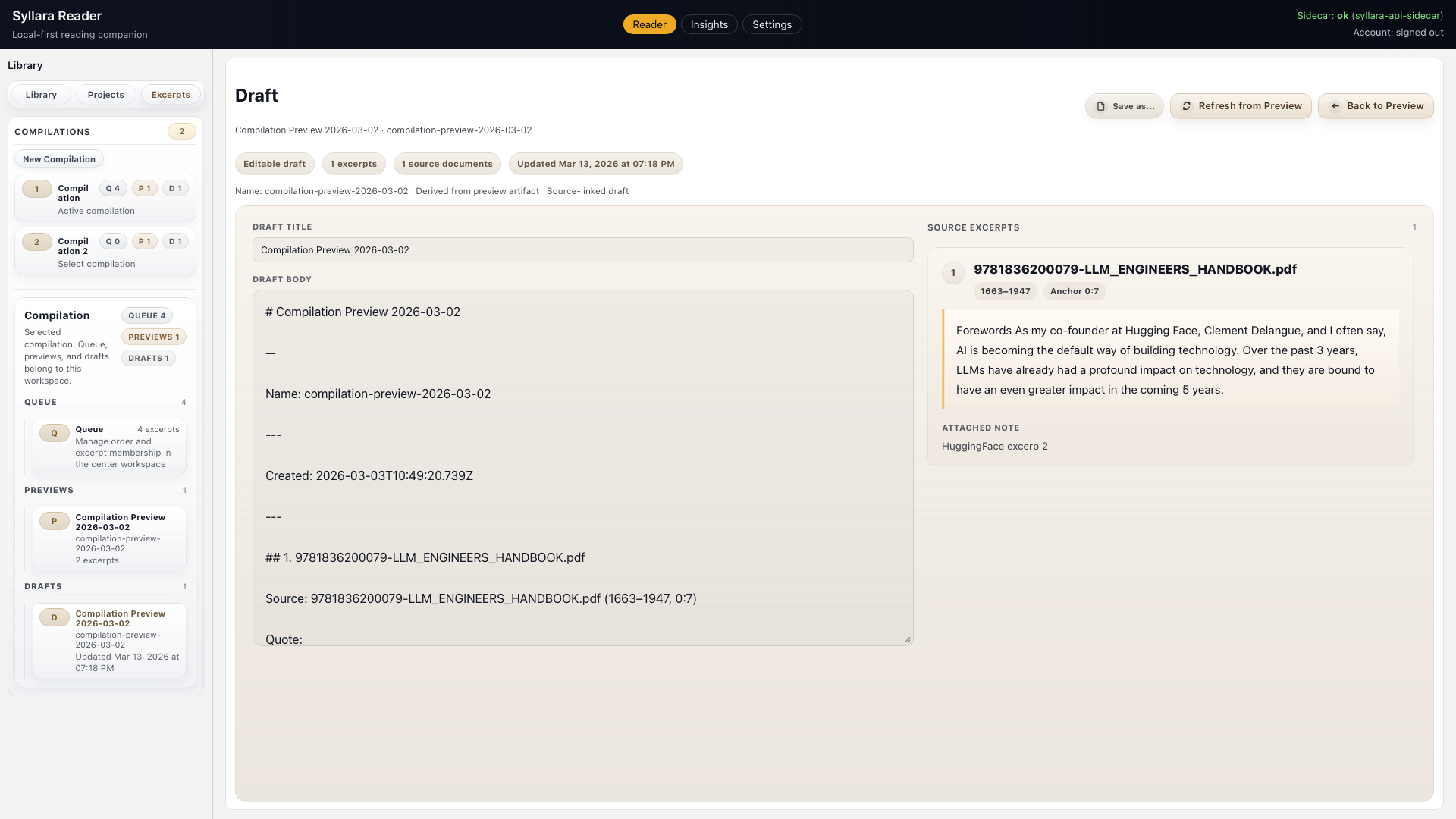
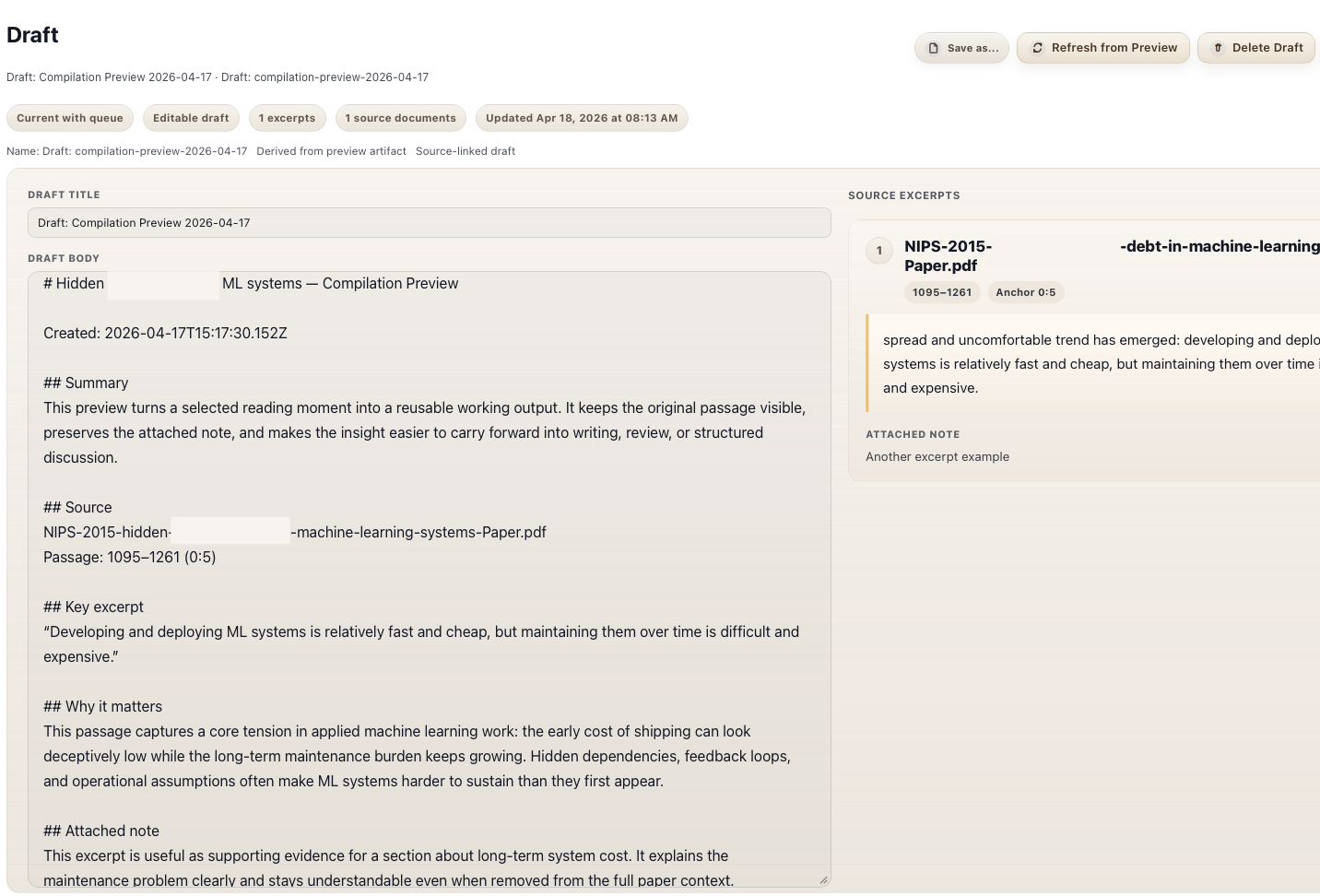
Shape selected passages into a private reading note.
04Next step
Turn reading into the next step.
01ContinueReturn without losing your place.
Continue
Return without losing your place.
Keep reading comfortable.
Dense material is easier to work through when the page stays calm and the next useful step stays visible.
Reading flowPick back up without restarting.
The session brings you back to your place instead of forcing you to reconstruct context.
ContinueResume state
The continue strip and reading surface stay in one flow.
02EvidenceKeep private notes and key points tied to the source.
Evidence
Keep private notes and key points tied to the source.
Keep private notes and passages tied to the source.
Important passages, notes, and key points stay attached to the material instead of drifting into a disconnected workspace.
Work close to the sourceKeep context with the material.
Passages, notes, and key points stay in the same working surface.
PassageFocus
Keep the important paragraph visible and calm.
NotesCapture
Save a note while the source is still open and visible.
Key PointsDistill
Turn a highlighted paragraph into a short, source-linked point.
PassagesArrange
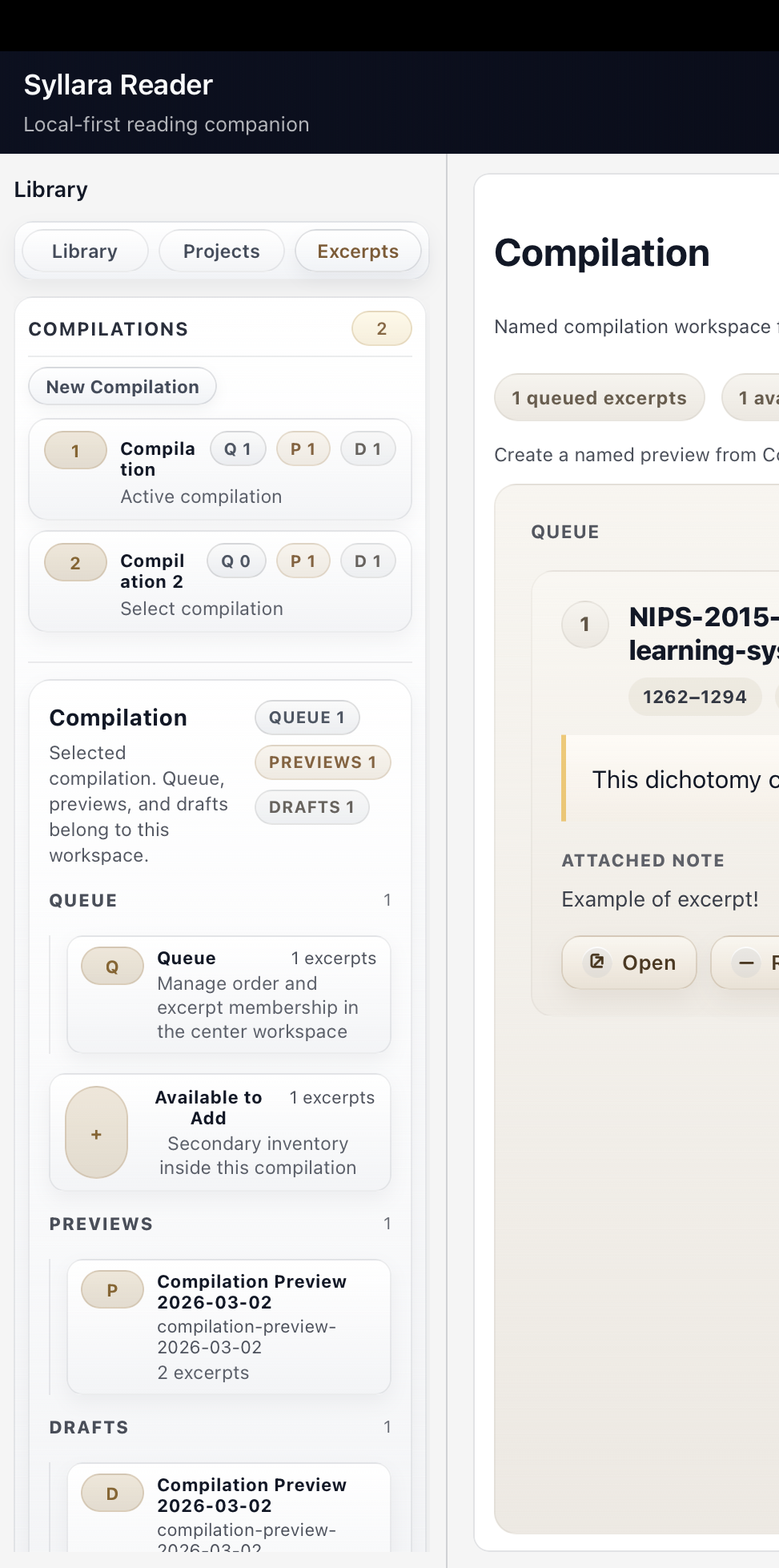
Bring selected passages into a readable order.
03OrganizeShape selected passages into a private reading note.
Organize
Shape selected passages into a private reading note.
A calm workspace for difficult reading.
Reader is the first public Syllara product because it keeps the reading surface clear, keeps private notes and source context easy to follow, and helps turn careful reading into useful next steps.
WorkspaceTurn reading into a workspace.
Selected passages, notes, and source context move forward without breaking apart.
Private noteCapture
Turn a selected passage into a private note.
WorkspaceOrganize
Review and arrange structure in one place.
Source surfaceKeep nearby
Keep the reading surface nearby so returning to source stays easy.
04Next stepTurn reading into the next step.
Next step
Turn reading into the next step.
Leave with notes you can return to.
A good reading workspace should leave you with notes and context you can return to without rebuilding everything.
Next step viewLeave with something that moves you forward.
The session turns into notes and a next step you can return to.
NotesPrepare notes
Turn selected passages into notes you can return to.
05Desktop See how Reader stays clear and local.
Local-first reading workspace
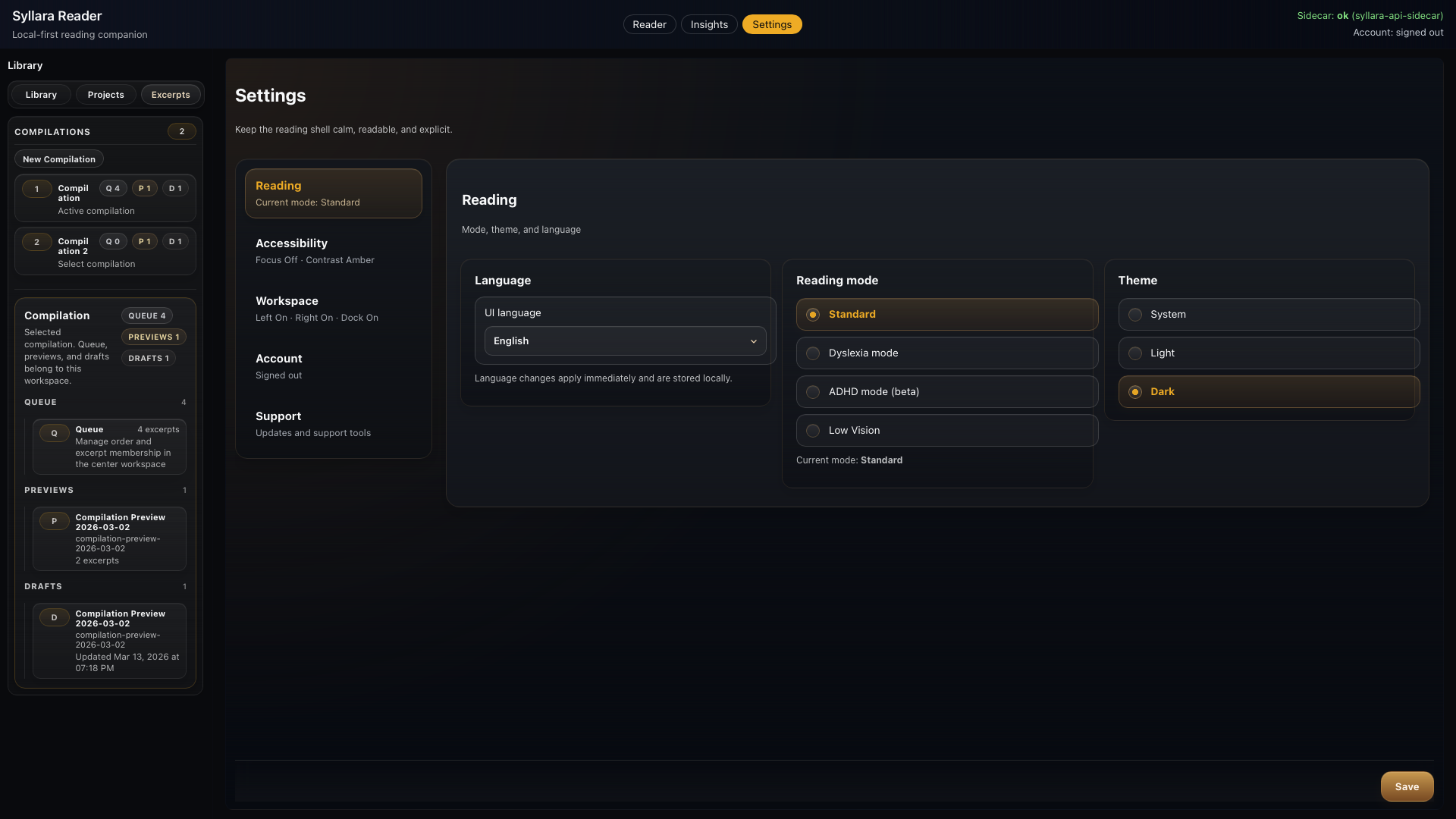
Built for calm, local-first reading with clear controls.
The reading surface stays readable, private notes stay close, and optional AI assistance stays available when you choose it.
Reader should feel trustworthy enough for real work: calm, clear, and built as a local-first workspace.
OrientationStay with the source instead of drifting across tabs.
ProgressCarry clearer structure and recall beyond the session.
Next stepLeave with notes, key points, and a clear next step.
Reading surfaceKeep the reading surface visible.
ControlsKeep the controls clear.
Reader
Launch, support, and privacy stay within reach.
Reader remains public, with launch, support, and privacy one step away.